Is there an AI you can talk to?
Yes. In 2026 most major assistants hold a real spoken conversation: Siri AI on recent Apple devices, Gemini Live, the voice modes in ChatGPT and Claude, Copilot Voice, Alexa+ and Ace. They differ in where they run, what they can see while you talk, how they decide you have finished speaking, and what they cost once the free part runs out. Start with the device you will talk to most.

Free Play: 2,000 credits, no card. Ace by Black Label.

Start with where you will be talking
- An iPhone, iPad or Mac: Siri AI is built in on supported models, in beta.
- An Android phone: the Gemini app, with Gemini Live built into the chat.
- A kitchen speaker or TV: Alexa+ on Echo devices and Fire TV.
- A work computer, Windows or Mac: a desktop assistant such as Microsoft Copilot, Claude Desktop or Ace.
- Any device with a browser: Claude on the web, or Ace Mobile on a phone.
The main options compared
| Assistant | Where it runs | What it can see | Starts at |
|---|---|---|---|
| Siri AI (Apple) | iPhone, iPad, Mac, Apple Watch, Vision Pro | Onscreen awareness; a Siri mode in the Camera app | Included on supported devices |
| Gemini (Google) | Android, iPhone, web; apps for Mac and Windows | The Mac app can share a window with Gemini | Free; AI Plus $4.99 a month |
| ChatGPT (OpenAI) | Web; desktop, iPhone, iPad and Android apps | Photos you upload; video in a voice chat on paid plans | Free app; paid tiers in the app |
| Claude (Anthropic) | Phone, desktop and web | Images and files you share | Free; Pro $20 a month |
| Copilot (Microsoft) | Desktop and mobile apps, the web | Your screen or camera in a voice chat; Microsoft’s help page lists Microsoft 365 Personal, Family or Premium for personal accounts | Free Copilot Chat; Microsoft 365 Personal $9.99 a month |
| Alexa+ (Amazon) | Echo, Fire TV, the Alexa app, Alexa.com | Photos and documents you share | Free with Prime; $19.99 a month |
| Ace | Mac, Windows, Linux, mobile browser, and Ace BL for iPhone and iPad | Your screen when you ask; the phone camera | Free Play: 2,000 credits |
This comparison is written by the team that makes Ace. Each row comes from the maker’s own pages as of October 28, 2026; it is not an independent test.
How each one listens
The way an assistant decides to listen changes how it fits your day. Wake words are handy across a room but mean the device is waiting for its phrase; tap-to-talk sessions suit a phone in your hand; hands-free sessions feel conversational in a quiet room and stumble in a noisy one; push-to-talk is the most predictable at a desk. If you share an office or a home, push-to-talk or a button press keeps the assistant from answering conversations that were not meant for it.
Questions to ask before you choose
- Does it run on the device I will talk to most?
- Can it see what I am talking about, the screen or the camera, and only when I allow it?
- Can I interrupt it, and is there push-to-talk for noisy rooms?
- Does it keep transcripts or memories, and can I delete them?
- Does it speak my language well enough to hold a conversation?
- What happens when the free part runs out, and does anything renew automatically?
Where Ace fits
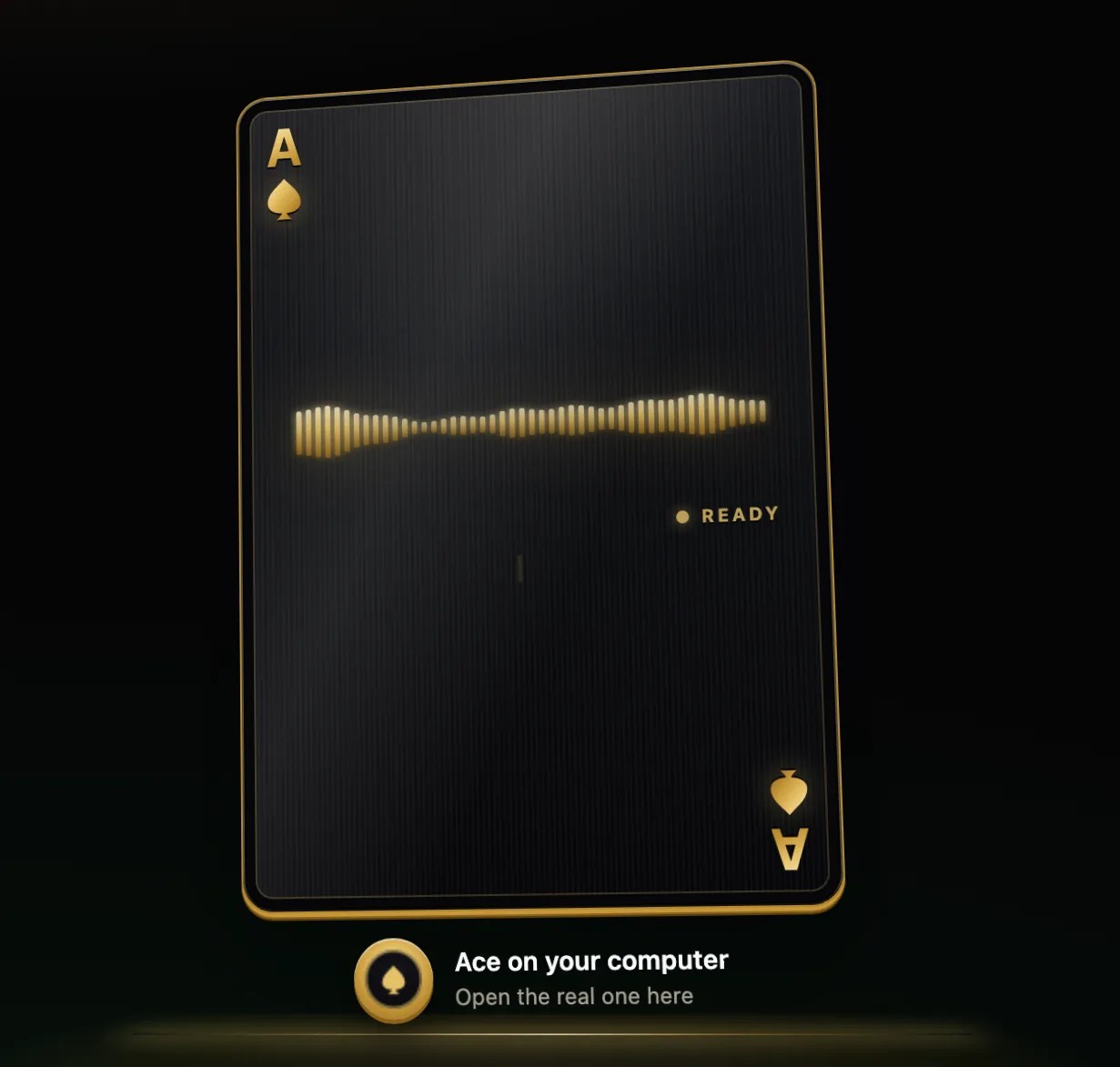
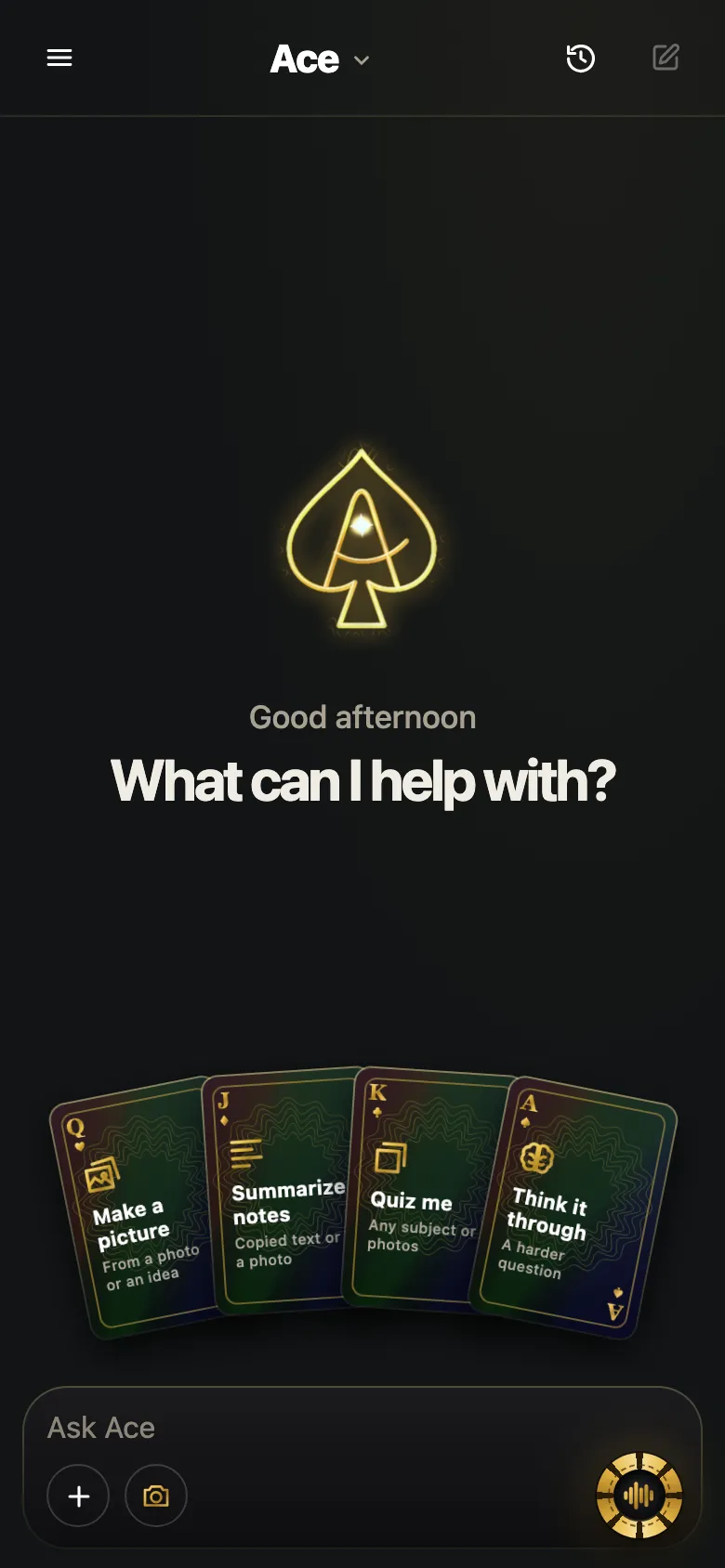
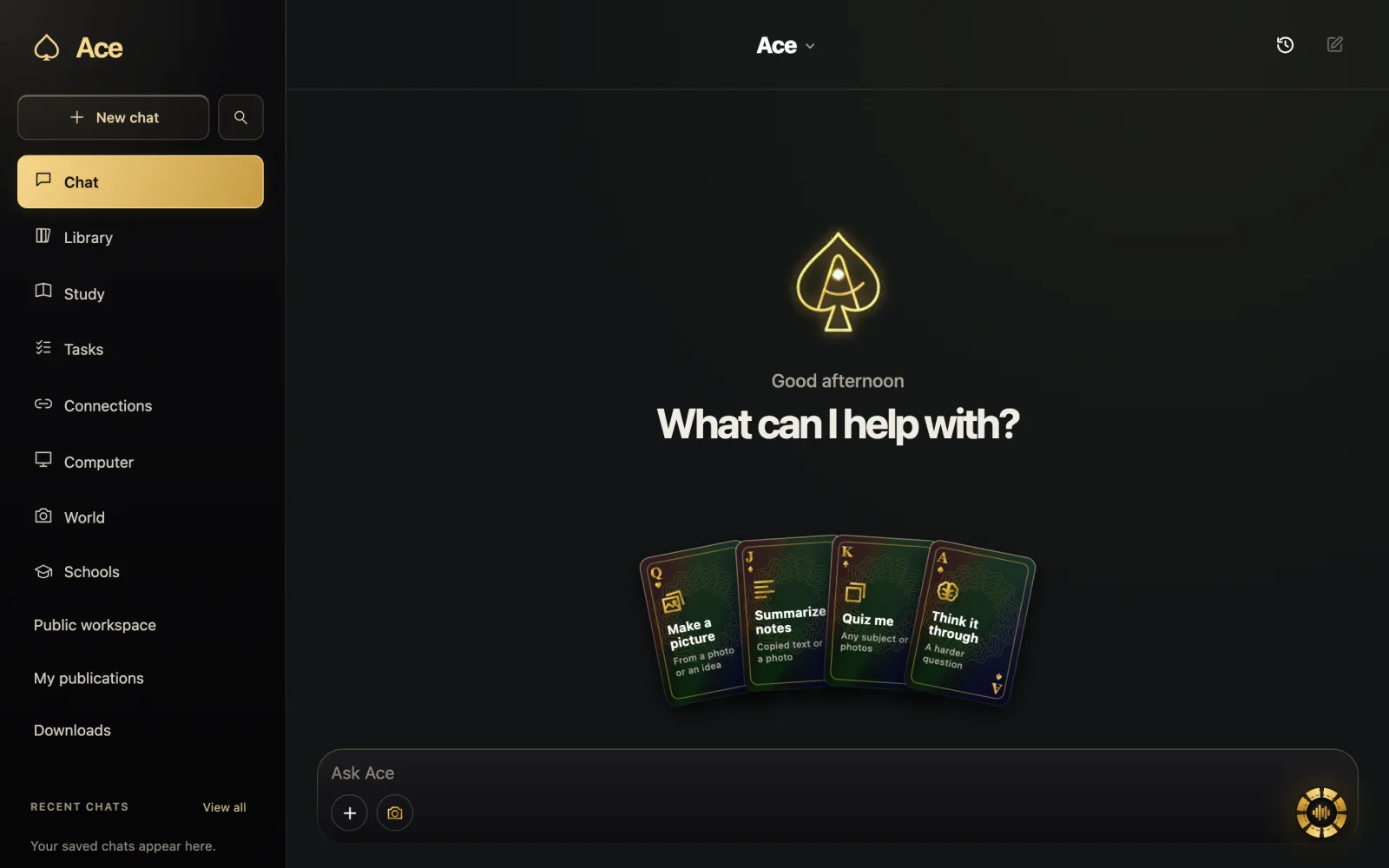
Ace is made for talking to your computer about what is on it. Hold Ctrl + Shift on Windows or Command + Shift on a Mac over any app, ask out loud, and Ace answers in its own voice; it can look at your screen when you ask, after you allow screen access, and it keeps notes and flashcards. Talk to Ace in your phone’s browser or use Ace BL for iPhone and iPad with the same account and balance. If you mostly want smart-home control or music around the house, a speaker assistant is the better fit.
When the built-in assistant is enough
If your questions are quick and everyday, such as timers, weather, messages or a fact, the assistant already on your phone or speaker is usually enough, and Apple and Amazon describe Siri AI and Alexa+ as far more conversational than their earlier versions. People add a second assistant for specific jobs: working on a computer, studying, or keeping voice conversations away from a smart speaker in a shared room.
More from Ace
The full overview of talking to Ace is on tryacee.com/talk-to-ai.
Also asked
Which AI sounds most like a real person?
That is a matter of taste and changes with each update. Try two or three with the same question; most let you change the voice and the pace.
Can I use more than one voice assistant?
Yes. Many people keep the phone’s built-in assistant for quick tasks and use a different assistant at the computer.
Which assistants can I talk to on both Mac and Windows?
Claude’s voice mode works in Claude Desktop on both, Microsoft Copilot has apps for both, and Ace runs on both with its hold-to-talk hotkey.
Is a voice assistant the same as a character chat app?
No. Character apps are built around personas for entertainment; the assistants on this page are built to answer questions and help with tasks.
Which AI can I talk to on an Android phone?
The Gemini app is the place to start on an Android phone, with Gemini Live built into the chat. Gemini also runs on iPhone and the web, with apps for Mac and Windows. On any device with a browser, you can also use Claude on the web, or Ace Mobile on a phone.
Which AI should I talk to for smart-home control or music?
A speaker assistant is the better fit if you mostly want smart-home control or music around the house. For a kitchen speaker or TV, that means Alexa+ on Echo devices and Fire TV. Ace is made for a different job: talking to your computer about what is on it.
Which voice assistants can see my screen or camera while I talk?
Several can, each in its own way. Siri AI has onscreen awareness and a Siri mode in the Camera app. The Mac app for Gemini can share a window with Gemini. Copilot can use your screen or camera during a voice chat; Microsoft’s help page lists a Microsoft 365 Personal, Family or Premium subscription for personal accounts. Ace looks at your screen when you ask, and uses the phone camera on Ace Mobile.
What do voice assistants cost once the free part runs out?
It depends on the assistant. Gemini’s AI Plus is $4.99 a month, Claude Pro is $20 a month, and Alexa+ is free with Prime or $19.99 a month. For Ace, if your free credits run out you can simply stop, add a one-time Starter pack ($10 for 5,000 chips) or pick a plan.
Should I pick a wake word or push-to-talk assistant for a shared office?
Push-to-talk, or a button press. If you share an office or a home, either one keeps the assistant from answering conversations that were not meant for it. Wake words are handy across a room but mean the device is waiting for its phrase, and hands-free sessions stumble in a noisy room.
Which voice assistants can hold a conversation in languages other than English?
Many can, with uneven quality from language to language. Claude’s voice mode supports many languages, with non-English support in beta, and Siri AI added French, Japanese, Korean, Portuguese and Spanish to English on October 26, 2026. Before you choose, check that it speaks your language well enough to hold a conversation.
What should I check before choosing an AI you can talk to?
Check that it runs on the device you will talk to most, and that it can see your screen or camera only when you allow it. Then ask whether you can interrupt it, whether there is push-to-talk for noisy rooms, and whether it keeps transcripts or memories that you can delete.
More questions
Deal yourself in.
More about Ace
Sources
- Google AI Pro & Ultra — get access to Gemini 4 Argon & more, Google. Checked November 14, 2026.
- Plans & pricing | Claude by Anthropic, Anthropic. Checked November 14, 2026.
- How to get Alexa Plus free with Prime membership, Amazon. Checked November 14, 2026.