Can I talk to Ace instead of typing?
Yes. Hold the hotkey (Ctrl + Shift on Windows, Command + Shift on Mac, your own hotkey on Linux) and talk. Ace answers out loud in its own voice, and you can still type whenever you like, in the same conversation.
Can I change an answer without starting over?
Yes. Say or type a follow-up like “shorter”, “warmer”, “in Spanish” or “less formal” and Ace reworks its last answer. Voice and typing keep the same conversation.
How is talking to Ace charged?
Voice uses chips, and the amount depends on the request, model and service. Free Play starts with 2,000 credits and no card. Pocket Pair includes 10,000 hosted AI chips per month, Full House 30,000, High Roller 60,000 and The House 100,000. You can also buy 5,000 chips for $10 or 20,000 for $50. These are chip allowances, not guaranteed talking minutes.
Does talking work on my phone?
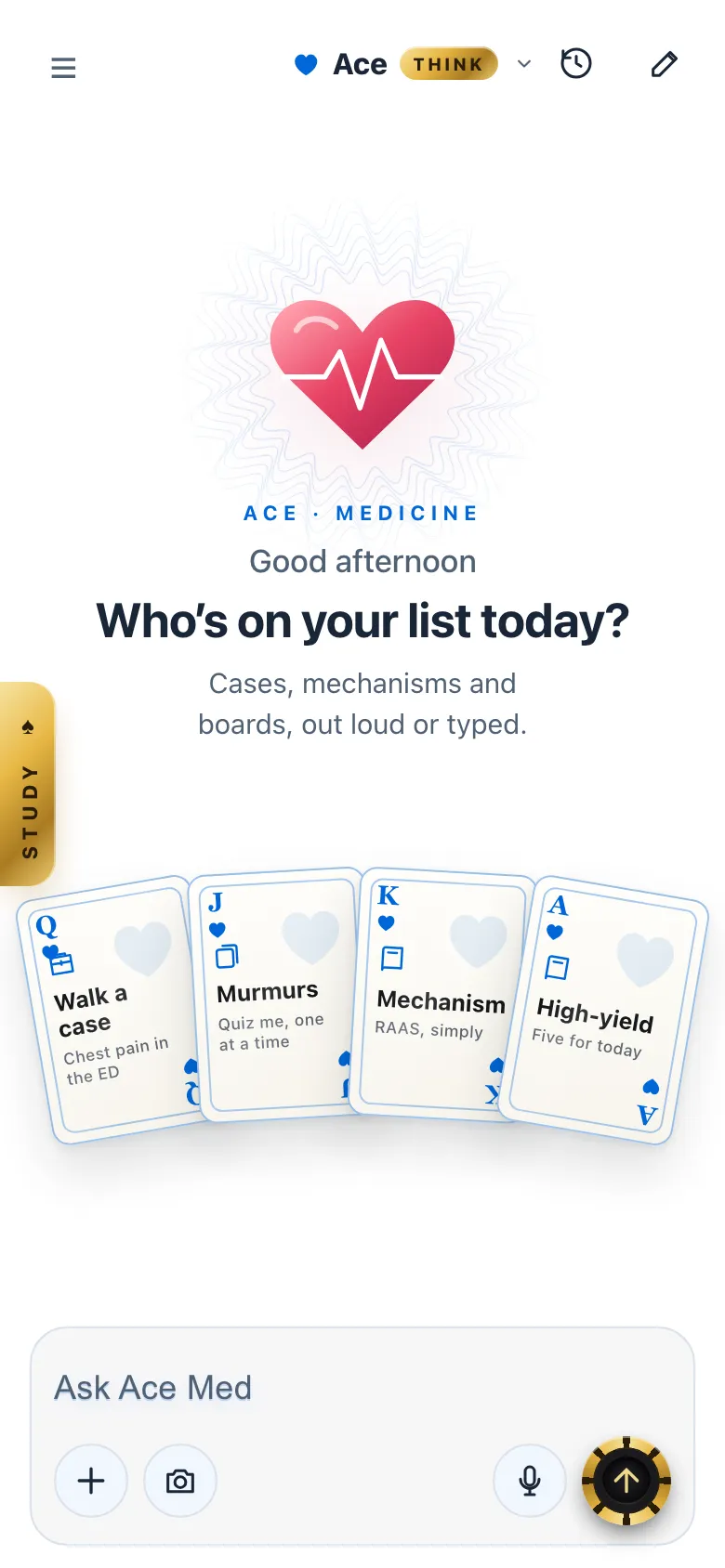
Yes, on iPhone through Ace Mobile, with the same account and balance as your computer. On the phone Ace looks through the camera instead of the screen, so a printed page counts.
Does Ace talk back in a voice?
Yes. Ace answers out loud in its own voice, on your computer and on iPhone.
Which computers can I talk to Ace on?
Windows 11 and 10, macOS 13 or later (Apple silicon or Intel) and Linux through an AppImage.
Can Ace see what I am talking about?
Yes, when you ask. After you allow screen access, Ace can look at the screen you are on, so you can talk about what is in front of you. You can switch it off at any time.
Does talking to Ace need the internet?
Yes. Ace’s AI is hosted, so asking needs an internet connection.
Is there an AI that talks back to you?
Yes. Ace is an AI assistant that talks back out loud in its own voice: hold the hotkey on Windows, Mac or Linux, ask out loud, and it answers. On iPhone, Ace Mobile works with the same account, and Free Play starts with 2,000 credits and no card.