Talk to AI on your phone
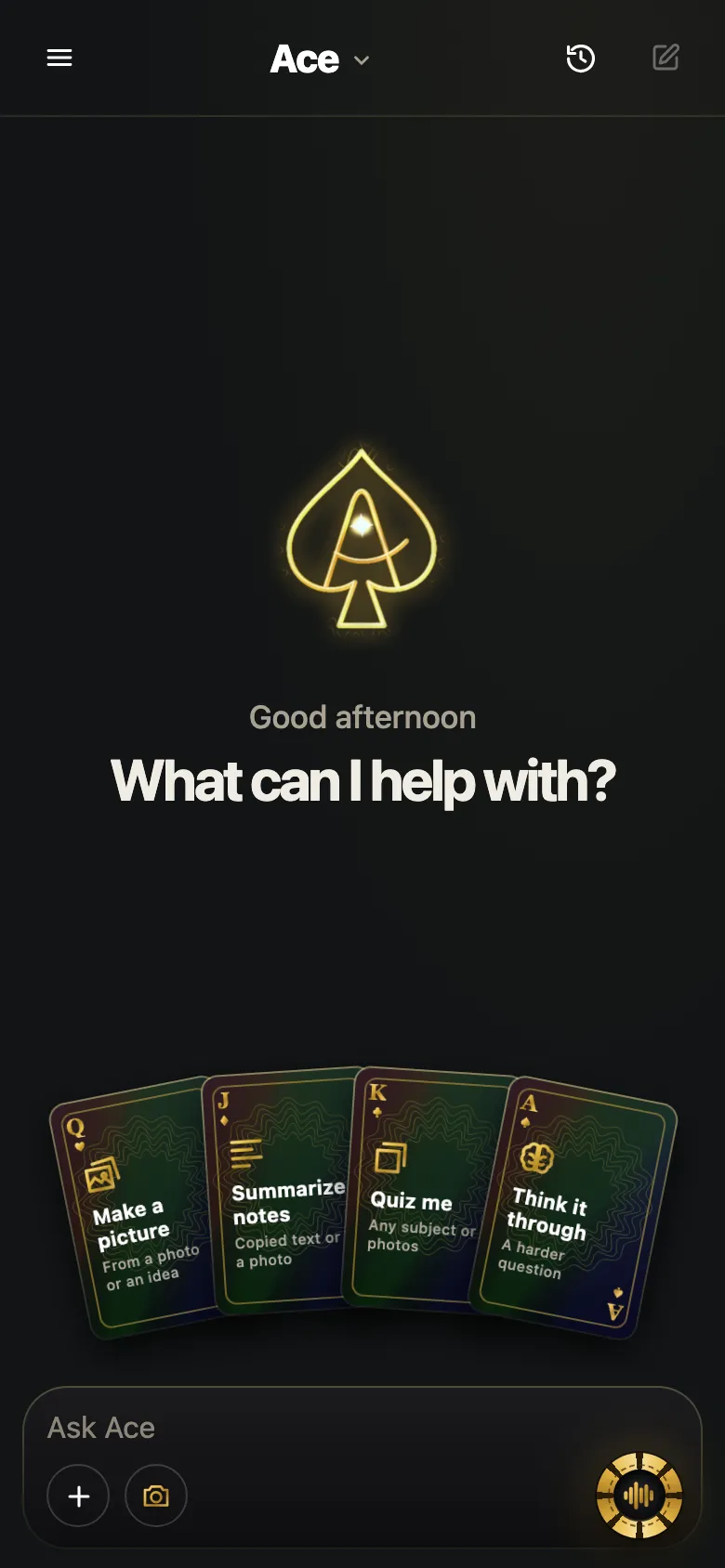
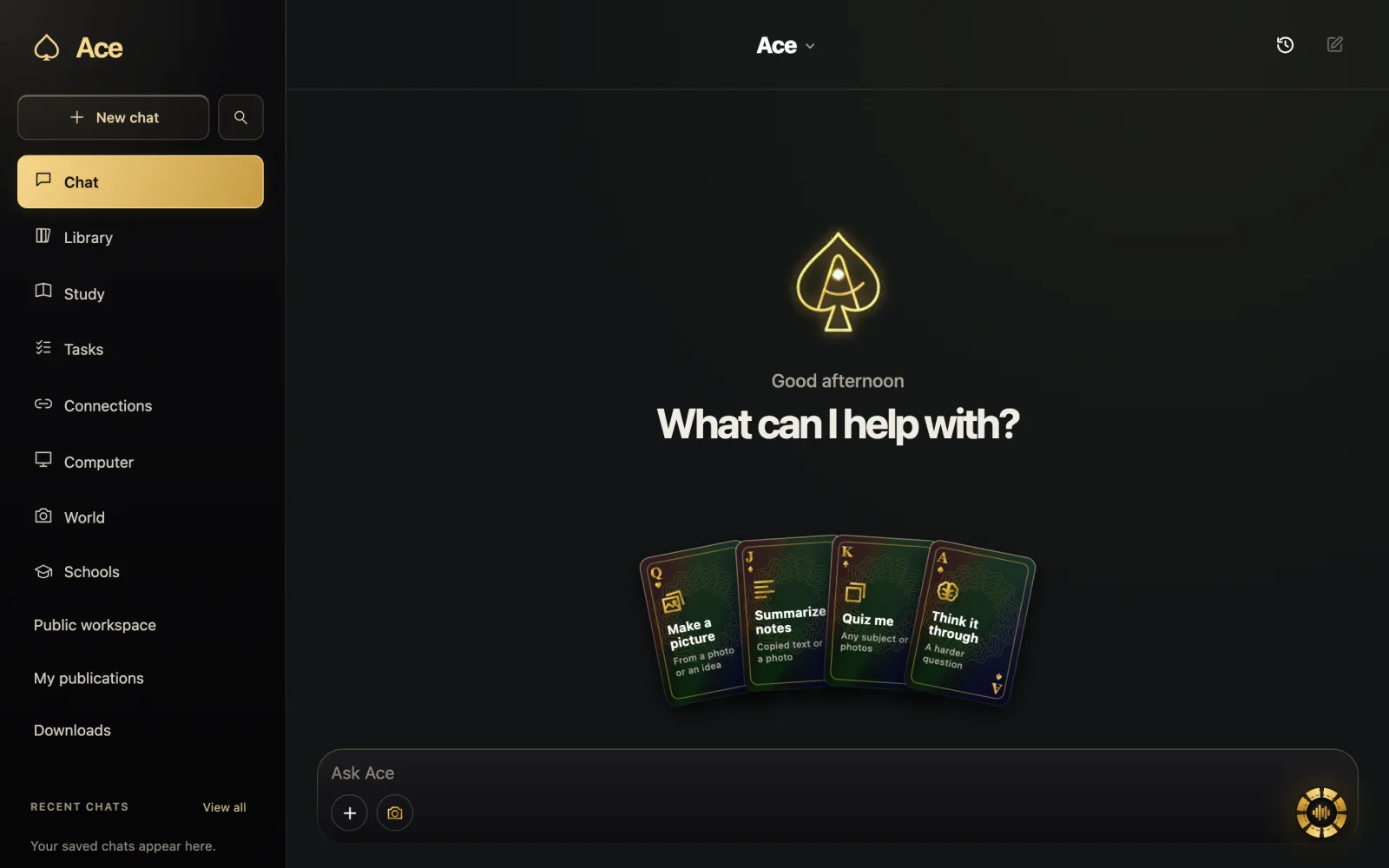
On a phone you can talk to AI through the assistant built into the system or through an app with a voice mode. On recent iPhones, Siri AI is in beta in iOS 27. On iPhone and Android, the Gemini, ChatGPT and Claude apps each start a voice conversation from an icon in the chat. Talk to Ace in your phone’s browser, or download Ace BL for iPhone and iPad. Both use the same account as Ace on your computer.

Free Play: 2,000 credits, no card. Ace by Black Label.

Phone options at a glance
| Option | How you start talking | Worth knowing |
|---|---|---|
| Siri AI (iPhone) | “Hey Siri”, the side button, or a swipe down from the Dynamic Island | Beta on iPhone 15 Pro, iPhone 16 or later, in supported languages |
| Gemini app | Tap the Live icon | Move between talking and typing in one thread; interrupt any time |
| ChatGPT app | Tap the soundwave icon | Free app with in-app purchases |
| Claude app | Tap the sound-wave icon next to the microphone | Hands-free or push-to-talk; counts toward usage limits |
| Alexa app | Open the app and ask | Alexa+ is free with Prime, $19.99 a month otherwise |
| Ace | Open Ace in your browser or the Ace BL app on iPhone and iPad, then allow the microphone | Same account and credit balance as your computer |
We make Ace, so weigh this table accordingly; the other apps are summarized from their makers’ pages on October 28, 2026.
Allow the microphone
Each app asks for the microphone the first time you start a voice conversation. If you tapped Don’t Allow, turn access back on in the phone’s settings for that app; for a website, allow the microphone in the browser’s settings for that site, then reload. Claude’s troubleshooting guide puts this first for a reason: a blocked microphone is the most common cause of an assistant that seems not to hear you.
Hands-free or push-to-talk
Phone voice modes listen in one of two ways. Hands-free modes listen continuously and reply when you pause, which feels natural in a quiet room. Push-to-talk listens only while you hold a button, which is more reliable on a busy street or when other people are talking nearby; Claude offers both and recommends push-to-talk for noisy places.
Interrupting works in most voice modes now. Google says you can interrupt Gemini Live or change the subject whenever you want, and Claude stops and listens when you start speaking over it. Use that: cut in with “shorter” rather than waiting out an answer that is going the wrong way.
Talking with the camera on
On a phone, the conversation can include what the camera sees. Apple’s Camera app has a Siri mode for asking about what is in front of you, Gemini Live lets you show it what your camera sees, and Ace Mobile can use the camera when you choose Add and allow it in the browser. Point, then ask a short question about one thing at a time.
Tips for phone conversations
- Earbuds with a microphone cut background noise and keep the conversation private.
- Speak at a normal pace; Claude’s guide says there is no need to slow down or pause artificially.
- Switch to typing for spellings, addresses and codes, then go back to talking.
- Expect more battery use: Claude’s guide notes that voice uses more power than text.
- A weak signal shows up as choppy replies; voice needs a steady connection.
Privacy on a phone
A phone is with you in public, so the conversation is too. Use earbuds when others are nearby, and check where the transcript ends up: Claude saves transcripts of voice conversations in your chat history, and Apple says the new Siri app syncs your conversation history across your Apple devices through iCloud. Review or delete old conversations in each app’s history, and remember that anything you say aloud can be overheard before it ever reaches the AI.
Phone or computer?
The phone is better on the move and when you want to show something with the camera. The computer is better when the conversation is about what is on your screen or when you are working for a long time. Many people use both, with the phone for quick questions on the go and the computer for anything longer.
More from Ace
The full overview of talking to Ace is on tryacee.com/talk-to-ai.
Also asked
Can I talk to AI on my phone for free?
Yes. Gemini Live is part of the free Gemini app, Claude’s voice mode is on its Free plan, and Ace Mobile works with Free Play’s 2,000 credits. Each has usage limits.
Do I need to download an app to talk to Ace on my phone?
You can talk to Ace in your phone’s browser with your existing Ace account. On iPhone and iPad, you can also use the Ace BL app with that account.
Does Siri AI work on older iPhones?
Apple lists Siri AI, in beta, for Apple Intelligence-enabled iPhones: iPhone 15 Pro, iPhone 15 Pro Max and iPhone 16 models or later, set to a supported language.
Why does the AI keep cutting me off?
Hands-free modes treat a pause as the end of your turn. Pause less, move somewhere quieter, or switch to push-to-talk if the app offers it.
How do I start a voice conversation in the Gemini, ChatGPT or Claude app?
Tap the voice icon in the chat. In the Gemini app, tap the Live icon. In the ChatGPT app, tap the soundwave icon. In the Claude app, tap the sound-wave icon next to the microphone. Each app asks for the microphone the first time you start a voice conversation.
Can I show an AI something with my phone camera while we talk?
Yes. Apple’s Camera app has a Siri mode for asking about what is in front of you, Gemini Live lets you show it what your camera sees, and Ace Mobile can use the camera when you choose Add and allow it in the browser. Point, then ask a short question about one thing at a time.
How do I turn the microphone back on for an AI app on my phone?
Turn access back on in the phone’s settings for that app. For a website, allow the microphone in the browser’s settings for that site, then reload. This applies if you tapped Don’t Allow at the first prompt: a blocked microphone is a common cause of an assistant that seems not to hear you.
Does talking to AI use more phone battery than typing?
Yes, expect more battery use. Claude’s guide notes that voice uses more power than text. Your connection matters as well: a weak signal shows up as choppy replies, because voice needs a steady connection. Many people use the phone for quick questions on the go and the computer for anything longer.
How do I talk to AI on my phone in a noisy place?
Use push-to-talk if the app offers it. Push-to-talk listens only while you hold a button, which is more reliable on a busy street or when other people are talking nearby. Claude offers both hands-free and push-to-talk and recommends push-to-talk for noisy places. Earbuds with a microphone also cut background noise.
How do I keep a voice conversation with AI private on my phone?
Use earbuds when others are nearby, and check where the transcript ends up. Claude saves transcripts of voice conversations in your chat history, and Apple says the new Siri app syncs your conversation history across your Apple devices through iCloud. Review or delete old conversations in each app’s history.
Is there an Ace app for iPhone and iPad?
Yes. On iPhone and iPad, the Ace BL app lets you talk to Ace and ask about a photo. It is free to download, with in-app purchases. Ace Mobile also runs in your phone’s browser with the same account and the same credit balance, so you can start there without installing anything.
More questions
Deal yourself in.
More about Ace
Sources
- How to get Siri AI - Apple Support, Apple Support. Checked November 14, 2026.
- Use voice mode | Claude Help Center, Anthropic. Checked November 14, 2026.