Talk to AI out loud
Talking to AI out loud means a two-way voice conversation: you speak, the assistant answers in a spoken voice, and you can keep going without touching the keyboard. It is different from dictation, which only turns your speech into text. Voice is fastest for explaining, brainstorming and quick questions while your hands are busy; typing still wins for code, addresses and anything you need to copy exactly.

Free Play: 2,000 credits, no card. Ace by Black Label.

Dictation, read aloud and conversation
Three different features get called “voice AI”, and they solve different problems:
| Mode | What it does | Example |
|---|---|---|
| Dictation | Turns your speech into text you can edit | Speaking a message into a text box |
| Read aloud | Speaks a written answer back to you | Copilot’s Read aloud on work and school accounts |
| Voice conversation | You talk, it answers out loud, you reply | Claude voice mode, Gemini Live, Copilot Voice, Ace |
Claude’s help page puts the difference plainly: dictation converts speech to text so you can type by speaking, while voice mode is a full two-way conversation in which the assistant speaks back.
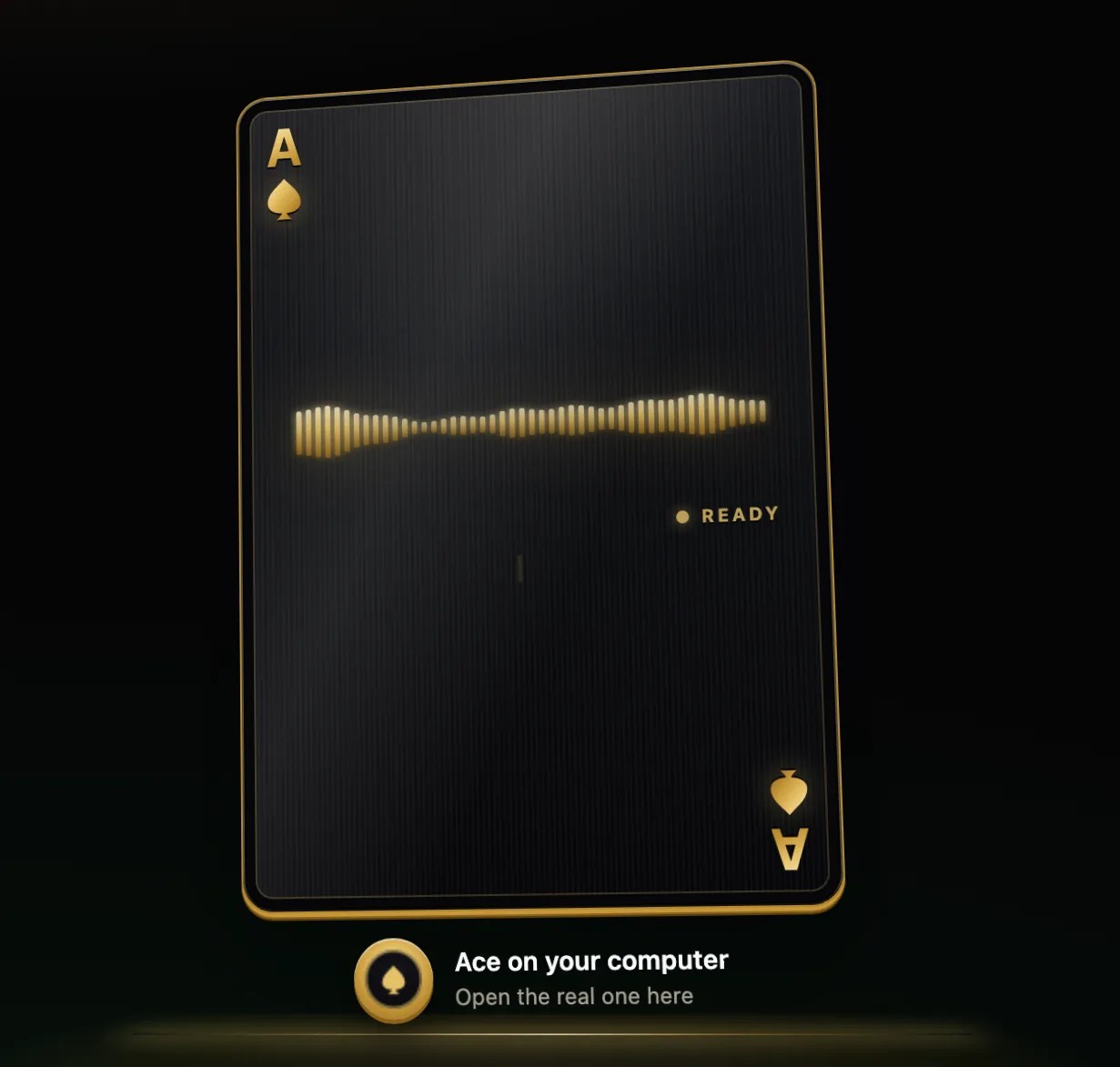
How it knows when to listen
- Wake word: you say a phrase such as “Hey Siri” and the assistant starts listening.
- Tap to start: you tap a voice icon and talk until you end the session, as with Gemini Live or ChatGPT’s soundwave button.
- Hands-free: it listens through the whole session and replies when you pause, which is Claude’s default.
- Push-to-talk: it listens only while you hold a button or key. Claude offers this for noisy places, and Ace on a computer works this way.
When voice beats typing, and when it does not
Talk
- Half-formed ideas you would struggle to write down.
- Questions about something you are looking at, so your eyes stay on it.
- Moments when your hands are busy: cooking, repairing, sorting papers.
- Long explanations that are quicker to say than to type.
Type
- Exact strings: web addresses, code, part numbers, unusual names.
- Quiet places such as libraries and shared offices.
- Private matters in public.
- Long structured documents you will edit line by line.
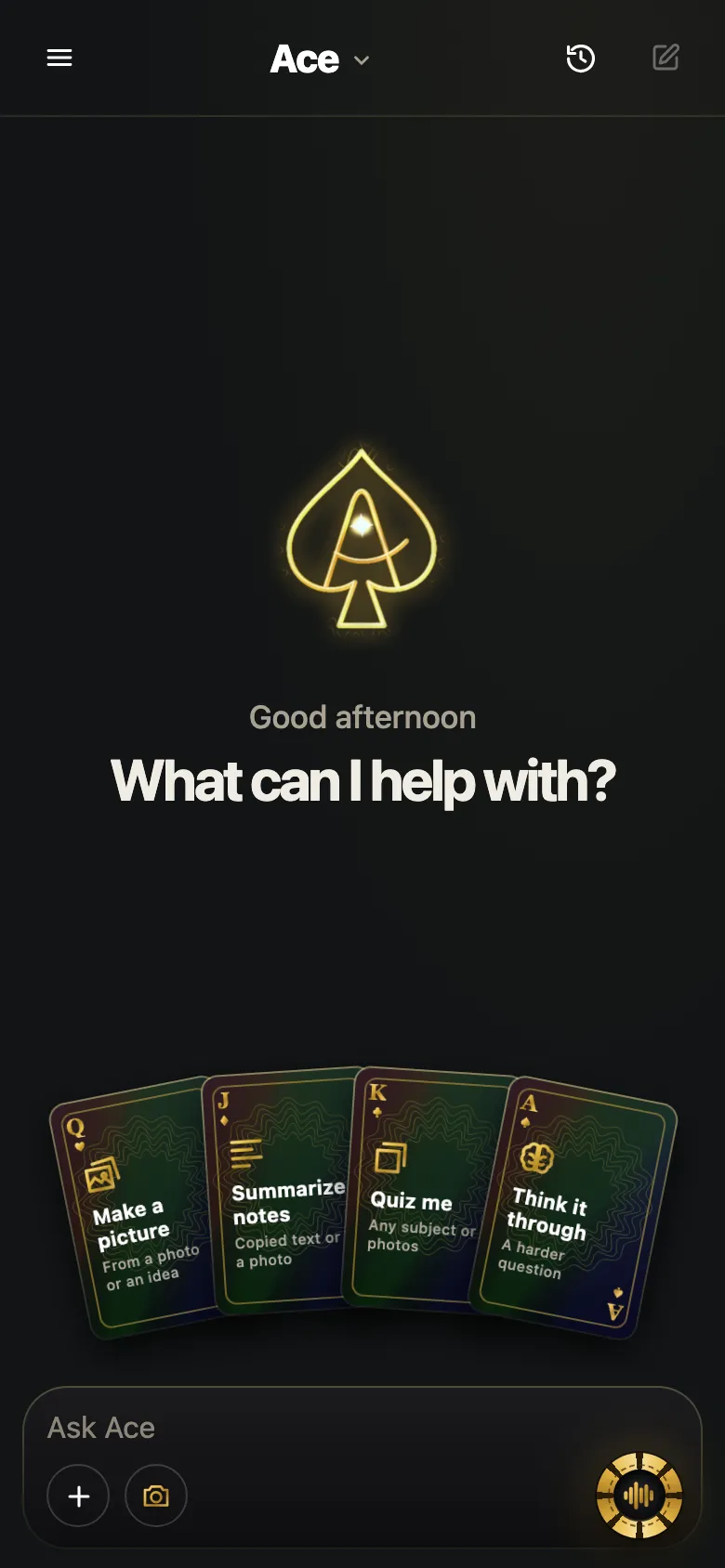
Hands-free in practice
With Ace on a computer, hold Ctrl + Shift on Windows or Command + Shift on a Mac, say what you need, and let go. Ace answers in its own voice, looks at your screen only if you ask it to, and takes typed requests as well as spoken ones. Three habits make any voice assistant easier to use: one request per turn, a headset or earbuds in shared spaces, and a short follow-up instead of repeating the whole question.
Getting answers that are easy to listen to
A written answer can be skimmed; a spoken one has to be sat through. Ask for the shape you want before the answer starts:
- “Headline first, then one sentence of detail.”
- “Keep answers under thirty seconds unless I ask for more.”
- “Give me the steps one at a time and wait for me to say next.”
- “Send long lists as text instead of reading them out.”
Talking out loud around other people
People nearby hear your side of the conversation, and the assistant’s side too unless you wear earbuds. Keep personal details, passwords and anything confidential out of spoken requests in public. Remember that a voice conversation often leaves a written record: Claude saves transcripts of voice conversations in your chat history, and Microsoft makes a transcript available after a Copilot Voice conversation ends.
What happens to your voice
Most voice assistants send your audio to an online service to understand it, and they store different things for different lengths of time. Microsoft, for example, says Copilot Voice audio on work or school accounts is stored temporarily for feedback and deleted after 48 hours, while personal accounts treat voice transcripts like other Copilot history. For Ace, your spoken request and the context you choose go to the AI that answers it, and Ace’s privacy policy names the provider that processes hosted voice audio. Read the policy for any assistant before you make it a habit.
More from Ace
The full overview of talking to Ace is on tryacee.com/talk-to-ai.
Also asked
Is talking to AI the same as using Siri or Alexa?
It is the same idea with more capable models behind it. Apple’s Siri AI and Amazon’s Alexa+ are both rebuilt around conversational AI, and both still start with a wake word or a button.
Can I mix voice and typing?
In many apps, yes. Claude and Gemini both let you move between talking and typing in one thread, which helps when you need to type a web address or a name mid-conversation.
Should I talk to AI while driving?
Keep your attention on the road and follow local law. Use only hands-free features designed for driving, and leave anything that needs reading for later.
Is it always listening?
It depends on the mode. Wake-word assistants listen for their phrase, hands-free modes listen during a session, and push-to-talk listens only while you hold the key. Ace on a computer listens while you hold its hotkey.
What is the difference between dictation, read aloud and a voice conversation?
They solve different problems. Dictation turns your speech into text you can edit. Read aloud speaks a written answer back to you. In a voice conversation you talk, it answers out loud, and you reply. Claude’s help page puts it plainly: voice mode is a full two-way conversation in which the assistant speaks back.
When is it better to type than to talk to AI out loud?
Type when you need exact strings such as web addresses, code, part numbers or unusual names. Typing also suits quiet places such as libraries and shared offices, private matters in public, and long structured documents you will edit line by line. Voice is quicker for explaining, brainstorming and quick questions while your hands are busy.
What kinds of requests are easier to say than to type?
Half-formed ideas you would struggle to write down, and long explanations that are quicker to say than to type. Voice also suits questions about something you are looking at, so your eyes stay on it, and moments when your hands are busy: cooking, repairing or sorting papers.
How do I get spoken answers that are short and easy to follow?
Ask for the shape you want before the answer starts. A written answer can be skimmed; a spoken one has to be sat through. Try “Headline first, then one sentence of detail,” “Keep answers under thirty seconds unless I ask for more,” or “Send long lists as text instead of reading them out.”
Where does my voice go when I talk to Ace?
Your spoken request and the context you choose go to the AI that answers it. When you start hosted voice, your microphone audio and conversation context are sent to the AI provider, OpenAI, to answer your live voice requests. Opening the app or signing in does not itself start a voice call.
Can other people hear me when I talk to AI out loud?
Yes. People nearby hear your side of the conversation, and the assistant’s side too unless you wear earbuds. Keep personal details, passwords and anything confidential out of spoken requests in public, and type instead when the matter is private. Remember that a voice conversation often leaves a written record as well.
How do I stop Ace partway through a spoken answer?
Use the Stop control in the current conversation. It ends a reply when you have heard enough, and in web chat you can ask again or start a new chat afterward. To shape the next reply, you can ask for a different language, length or format in the same breath as your question.
More questions
Deal yourself in.
More about Ace
Sources
- Get started with voice features in Microsoft Copilot | Microsoft Support, Microsoft Support. Checked November 14, 2026.
- Use voice mode | Claude Help Center, Anthropic. Checked November 14, 2026.