Talk to AI when typing is hard
If typing is painful, slow or impossible, combine two tools: your system’s voice control to operate the computer, and an AI assistant you can talk to for answers, explanations and drafts. Windows voice access, Voice Control on Mac and iPhone, and the voice modes in assistants such as Claude, Copilot and Gemini each cover part of the job. Test with your own voice, because recognition varies with speech, accent and room.

Free Play: 2,000 credits, no card. Ace by Black Label.

Two jobs, two tools
Operating a computer by voice and getting help by voice are different jobs. Operating means opening apps, clicking buttons, scrolling and typing into fields; the voice control built into Windows, macOS and iOS does that. Getting help means asking questions and hearing answers, having a draft written or a page explained; that is what AI voice assistants do. Most people who cannot type comfortably end up using one of each.

Voice control built into your system
- Windows voice access (Windows 11, version 22H2 and later) lets you control your PC and write text by voice: open and switch apps, browse the web, read and write email. Microsoft says it uses on-device speech recognition and keeps working without an internet connection.
- Voice Control on a Mac lets you speak commands to navigate the desktop and apps, interact with what is on screen, and dictate and edit text. Say “Show names” or “Show numbers” to label items you can then click by voice.
- Voice Control on iPhone does the same with gestures and button presses. After a one-time download over Wi-Fi, Apple says you do not need an internet connection to use it.
- One trade-off on Apple devices: while Voice Control is on, you dictate through Voice Control, and the standard Dictation feature is not available.
AI assistants that talk back
- Claude’s voice mode works on every plan, on phone, desktop and web, with a hands-free mode and a push-to-talk mode, and you can switch between voice and text in one conversation.
- Microsoft Copilot has dictation, Read aloud and Copilot Voice; Microsoft describes Read aloud as helpful for people with visual impairments or reading difficulties, and lists dictation and Read aloud for work or school accounts.
- Gemini Live lets you talk, interrupt and change the subject, and switch to typing in the same thread.
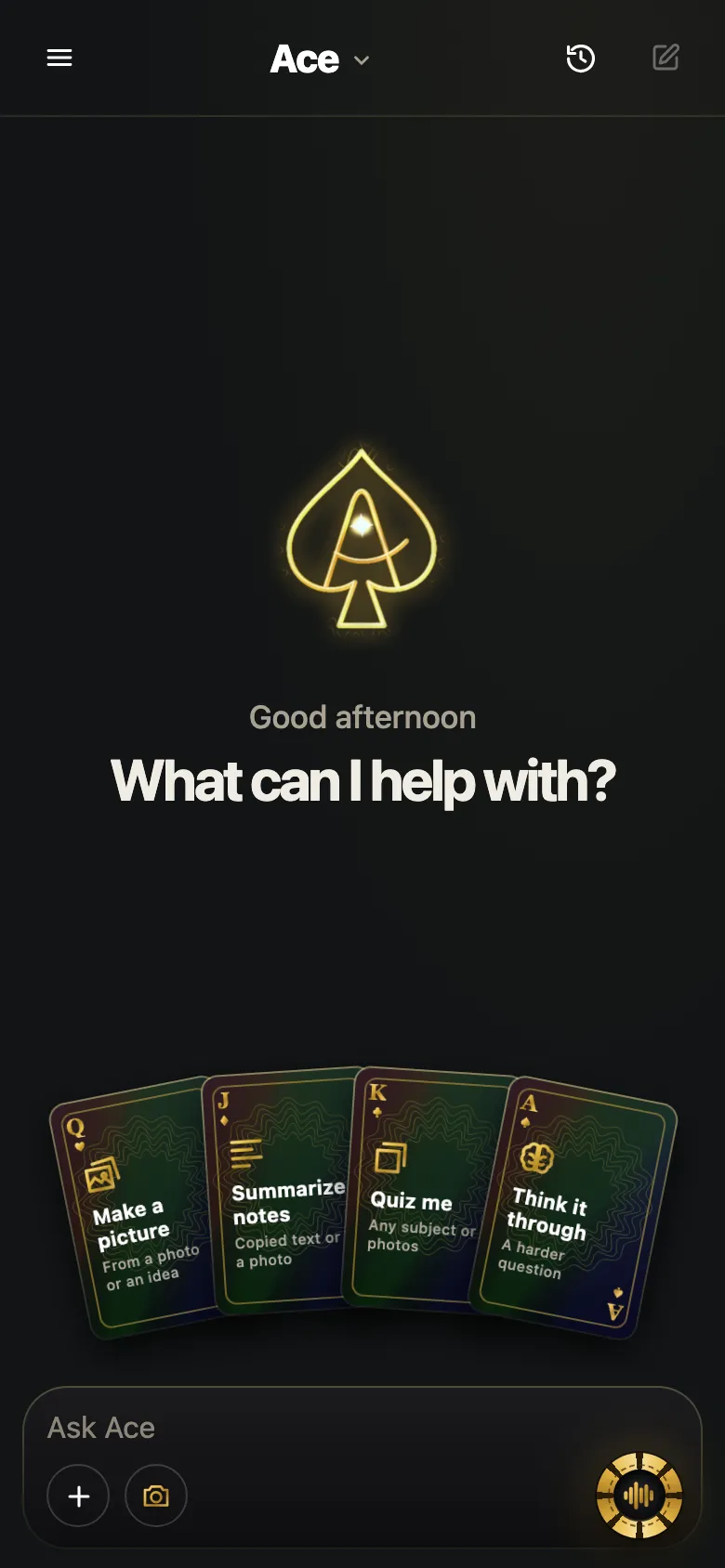
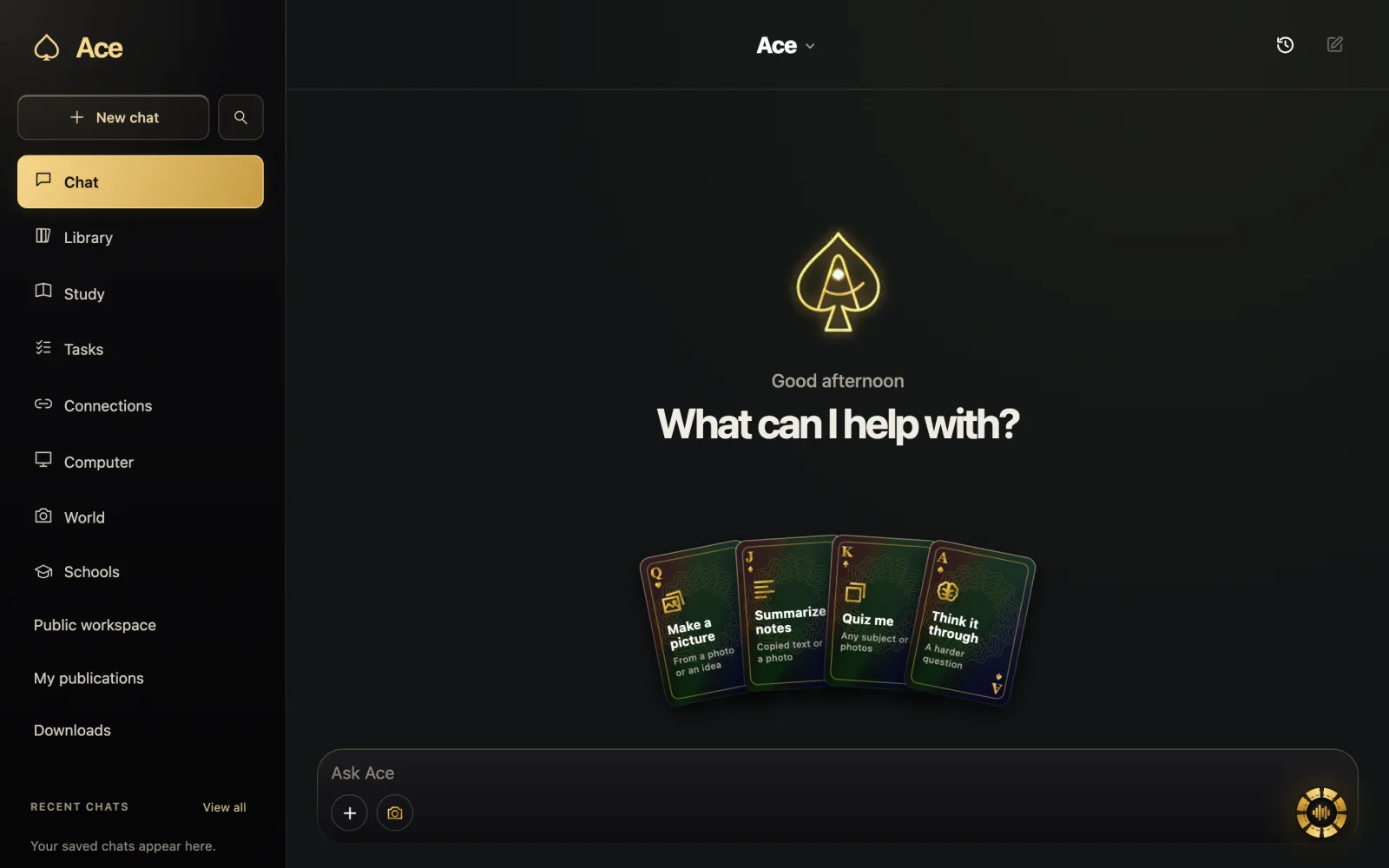
- Ace answers out loud in its own voice and can look at your screen when you ask, so you can say “what does this say?” instead of describing the page. Its desktop app listens while you hold Ctrl + Shift or Command + Shift, and you can type requests too.
Disclosure: Ace is our product. Microsoft, Apple, Anthropic and Google features are described from their support pages, read on October 28, 2026.
Matching tools to the reason typing is hard
| If typing is hard because of | Try | Watch for |
|---|---|---|
| Pain or repetitive strain in the hands | System voice control for the computer; a voice mode for long requests | Voice strain in long sessions; rest your voice too |
| Dyslexia or slow spelling | Speak requests; have answers read aloud | Check names and numbers in dictated text |
| Low vision | Your screen reader plus a talking assistant | Assistants that read the screen only when asked |
| Limited hand movement | System voice control as the main input | Hotkeys that need two keys held down |
| Speech that recognition finds hard | Push-to-talk, a quiet room, a close microphone | Test with real tasks before relying on it |
Setting up for less effort
- Turn on your system’s voice control and work through its tutorial; on a Mac it is under System Settings > Accessibility > Voice Control.
- Use a headset microphone, so recognition stays consistent from day to day.
- Learn the pause commands first. On a Mac, “Stop listening” and “Start listening” keep side conversations from becoming commands.
- Give the AI standing instructions at the start of a session: “Keep answers under three sentences” saves listening time.
- Keep a short list of the requests you make every day and say them the same way each time.
Honest limits
Speech recognition still makes mistakes, more often with atypical speech, heavy background noise or specialist vocabulary, so check anything you send. Talking all day tires the voice the way typing tires the hands; alternate when you can. AI answers can be wrong, and speaking them aloud does not make them more reliable. If you cannot hold keys at all, rely on your system’s voice control as the main input, and check how each assistant starts listening before you choose one: Ace’s desktop app expects its two-key hotkey to be held while you speak.
More from Ace
The full overview of talking to Ace is on tryacee.com/talk-to-ai.
Also asked
Is Windows voice access the same as Copilot Voice?
No. Voice access operates Windows itself, such as clicking, opening apps and typing; Copilot Voice is a conversation with an AI assistant. Many people use both.
Can an AI read its answers aloud to me?
Yes. Voice modes speak their replies, and Microsoft Copilot also has a Read aloud option for written responses on work or school accounts.
Does voice control work if a condition affects my speech?
Sometimes. Results depend on the speech, the microphone and the room; try push-to-talk in a quiet space and test with real tasks before depending on it.
Can I use Ace without a keyboard?
Ace’s desktop app listens while you hold Ctrl + Shift or Command + Shift, so it expects two keys held. On a phone, Ace Mobile works by touch in the browser.
Does Windows voice access work without an internet connection?
Yes, according to Microsoft. Windows voice access, in Windows 11, version 22H2 and later, uses on-device speech recognition and keeps working without an internet connection. It lets you control your PC and write text by voice. Asking an AI is different: Ace’s AI is hosted, so asking needs an internet connection.
How do I click buttons and pause listening with Voice Control on a Mac?
Say “Show names” or “Show numbers” to label items you can then click by voice. To pause, say “Stop listening”, then “Start listening” to carry on, which keeps side conversations from becoming commands. Voice Control is under System Settings > Accessibility > Voice Control, and it has a tutorial to work through.
Which voice tools help when typing hurts my hands?
For pain or repetitive strain in the hands, use system voice control for the computer and a voice mode for long requests. Watch for voice strain in long sessions and rest your voice too. Talking all day tires the voice the way typing tires the hands, so alternate when you can.
Can talking to an AI help with dyslexia or slow spelling?
It can. For dyslexia or slow spelling, speak your requests and have answers read aloud, then check names and numbers in dictated text. Microsoft describes Read aloud as helpful for people with visual impairments or reading difficulties. Test with your own voice, because recognition varies with speech, accent and room.
Can an AI tell me what is on my screen if I have low vision?
Yes, alongside your screen reader. For low vision, pair your screen reader with a talking assistant, and look for assistants that read the screen only when asked. Ace answers out loud in its own voice and can look at your screen when you ask, so you can say “what does this say?” instead of describing the page.
Can I use Voice Control and standard Dictation at the same time on Apple devices?
No. While Voice Control is on, you dictate through Voice Control, and the standard Dictation feature is not available. On a Mac, Voice Control itself lets you dictate and edit text as well as speak commands. On iPhone, after a one-time download over Wi-Fi, Apple says you do not need an internet connection to use it.
Can I talk to AI when typing is hard because of limited hand movement?
Yes, with the right setup. Use your system’s voice control as the main input for operating the computer, and check how each assistant starts listening before you choose one. Hands-free modes listen through the whole session, as Claude’s does by default, while Ace’s desktop app expects its two-key hotkey to be held while you speak.
More questions
Deal yourself in.
More about Ace
Sources
- Use voice access to control your PC & author text with your voice | Microsoft Support, Microsoft Support. Checked November 14, 2026.
- Use Voice Control to interact with iPhone - Apple Support, Apple Support. Checked November 14, 2026.