Talk to AI like a person
Talk the way you would to a colleague: start with a rough thought, let the AI answer, then steer with short follow-ups such as “shorter”, “why?” or “now in Spanish”. Current voice modes let you interrupt mid-answer and keep the context between turns. What still breaks the flow is a pause misread as the end of your turn, a noisy room, and asking several things at once.

Free Play: 2,000 credits, no card. Ace by Black Label.

What makes a voice conversation feel natural
- A short gap between your last word and its first.
- Being able to cut in when the answer goes the wrong way.
- Context that carries across turns, so “the second one” makes sense.
- Moving between talking and typing in the same thread, which Gemini and Claude both support.
- A voice and pace you like: Claude lets you pick a voice and pace, and Apple lets you adjust the expressiveness and pace of Siri’s voice.
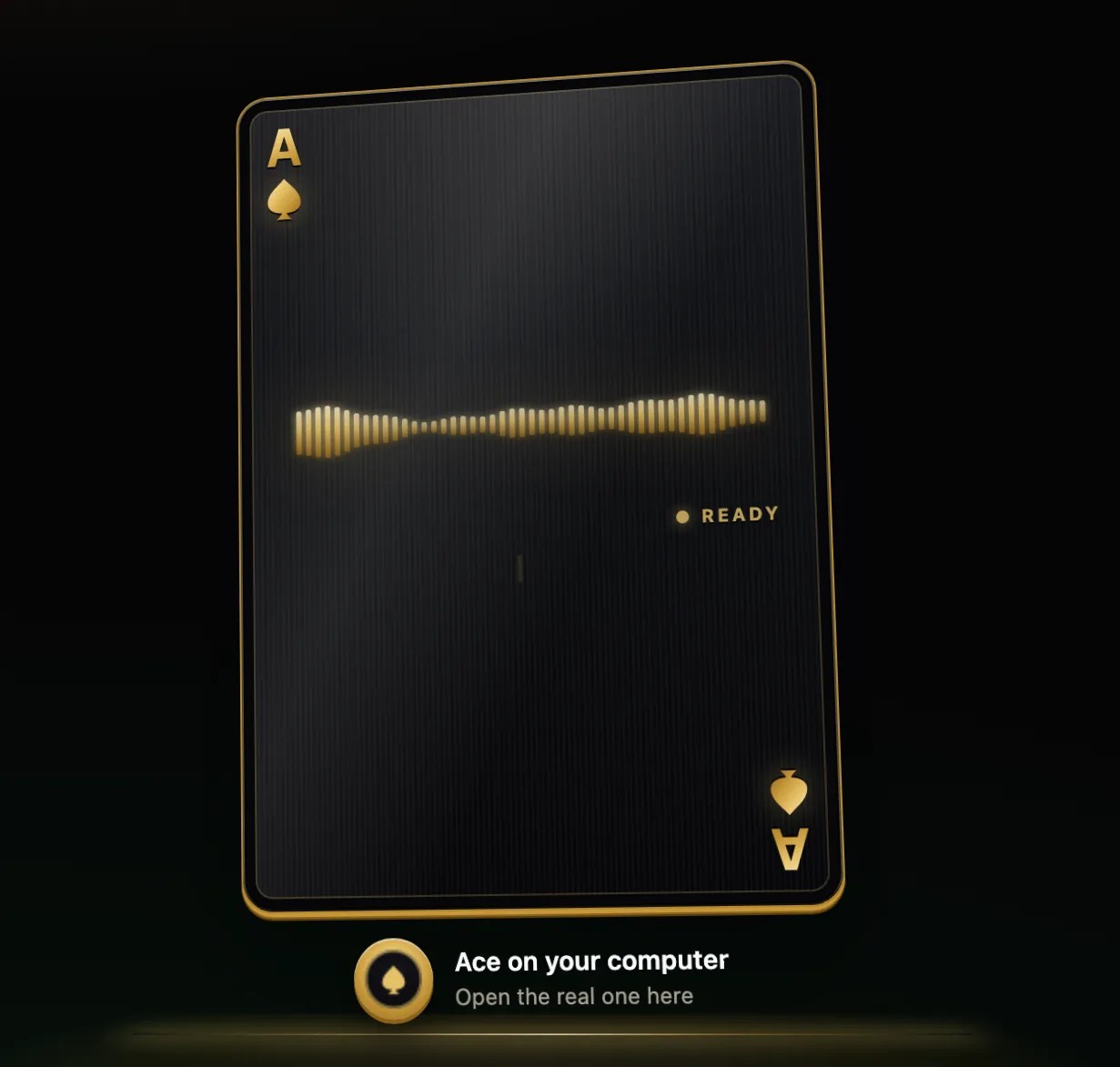
Start rough, then steer
You do not need a perfect prompt. Say the half-formed version and shape it in small steps:
- “I have a messy idea for a weekend trip, help me shape it.”
- “Cheaper.”
- “Only places I can drive to in three hours.”
- “Now give me the plan as three short points.”
Short follow-ups work because the assistant keeps the last answer in view. Ace takes follow-ups like “shorter”, “warmer” or “in Spanish” and reworks its last answer without starting over.
Interrupting and taking turns
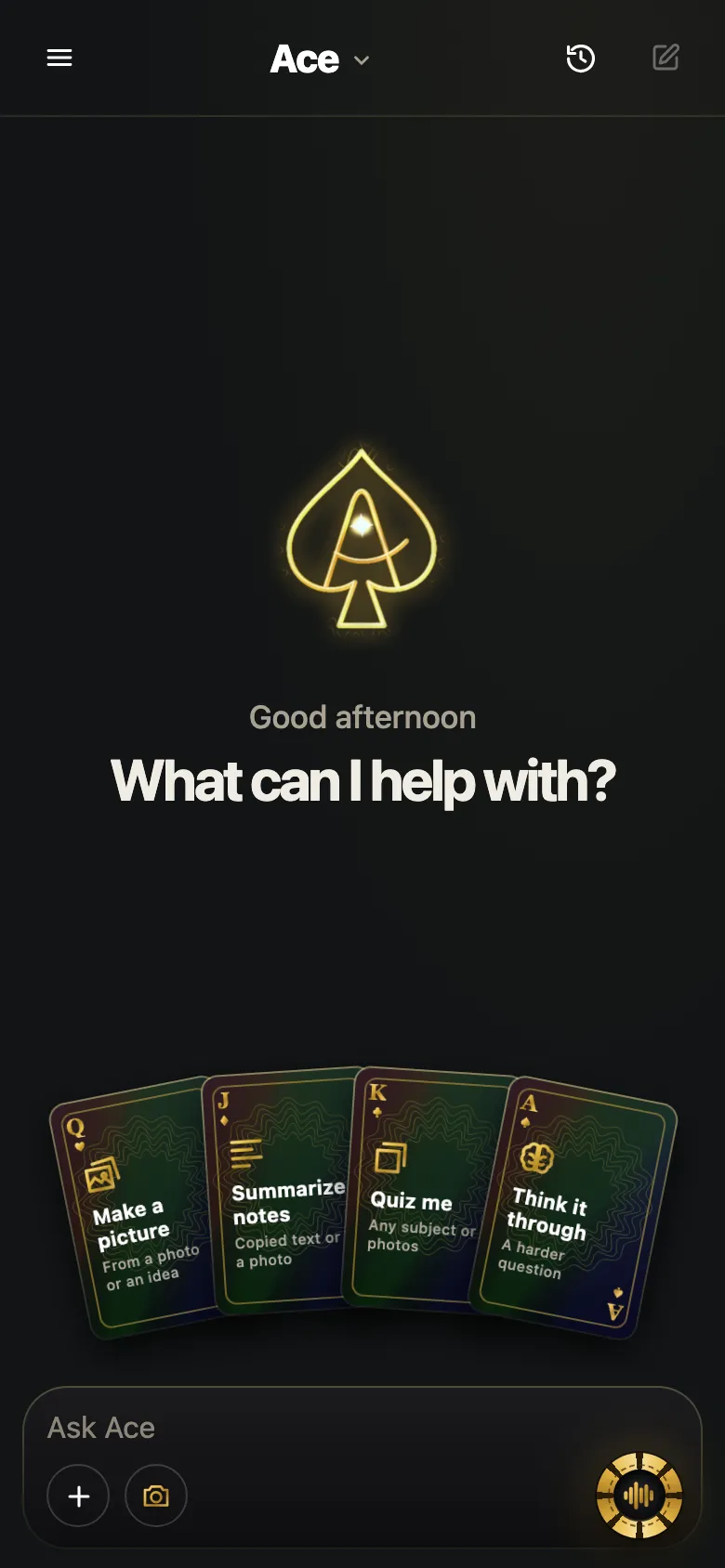
Hands-free voice modes listen continuously and take a pause as your turn ending, which is why they sometimes answer before you have finished a thought. Claude’s guide says to start speaking if it is going in the wrong direction, and it will stop and listen; Google describes Gemini Live the same way, with interruptions and changes of subject at any time. Push-to-talk avoids the problem: in Ace on a computer you hold the hotkey for as long as you are speaking, so a pause to think never ends your turn.
Talking in another language
Many voice assistants now hold conversations in languages other than English, with uneven quality from language to language. Claude’s voice mode supports many languages, with non-English support in beta, and you can ask it to switch languages during a conversation. Siri AI added French, Japanese, Korean, Portuguese and Spanish to English on October 26, 2026.
- Set the language once: “Answer in French from now on.”
- For practice, ask it to correct you: “Point out my mistakes after each answer.”
- For a quick translation, ask for the result in the other language as a follow-up: “Now say that in Spanish.”
Setting the tone
Tell it how to talk to you, the way you would brief a colleague: “Explain it like a patient tutor.” “Be blunt.” “Two sentences, no lists.” Some assistants turn this into settings; Amazon offers four personality styles for Alexa+ (Brief, Chill, Sweet and Sassy). Others remember your preferences between conversations: Gemini says it can remember details you mention across sessions, and Claude’s memory keeps editable topics that you can view and delete in its settings. Check what is being kept, and delete what you would rather it forgot.
Habits that make it sound robotic
- Talking in keywords, as if typing a search: “weather Denver Saturday hiking”. Full sentences give it more to work with.
- Packing three questions into one turn; it will answer one well and two badly.
- Repeating the whole question after a bad answer, instead of saying what was wrong with it.
- Waiting silently through a long answer you already know is off track; cut in.
An assistant, not a companion
Many apps that promise you can “talk to AI” are character or companion chats built around personas and role-play. Working assistants have a different job: answering, explaining, drafting and helping with what is in front of you. Ace is the second kind. If you are going through something hard, talk to someone you trust or a professional; an AI is not a substitute for that.
Phrases that work well out loud
- “Say that again, slower.”
- “Give me one concrete example.”
- “Stop. Go back to your second point.”
- “What would you ask me next?”
- “Summarize what we decided.”
More from Ace
The full overview of talking to Ace is on tryacee.com/talk-to-ai.
Also asked
Why does the AI interrupt me when I pause to think?
In hands-free mode it reads a pause as the end of your turn. Pause less, say “wait” before you think, or use push-to-talk, which listens only while you hold the key or button.
Can I change the AI’s voice?
Usually. Claude offers several voices and a pace setting, Microsoft lets you choose a Copilot voice and playback speed, and Apple lets you adjust the expressiveness and pace of Siri’s voice.
Does it remember what I said yesterday?
Some assistants keep memory across conversations, as Gemini and Claude describe, and let you review or delete it. Others start fresh each time.
Is Ace a character chat app?
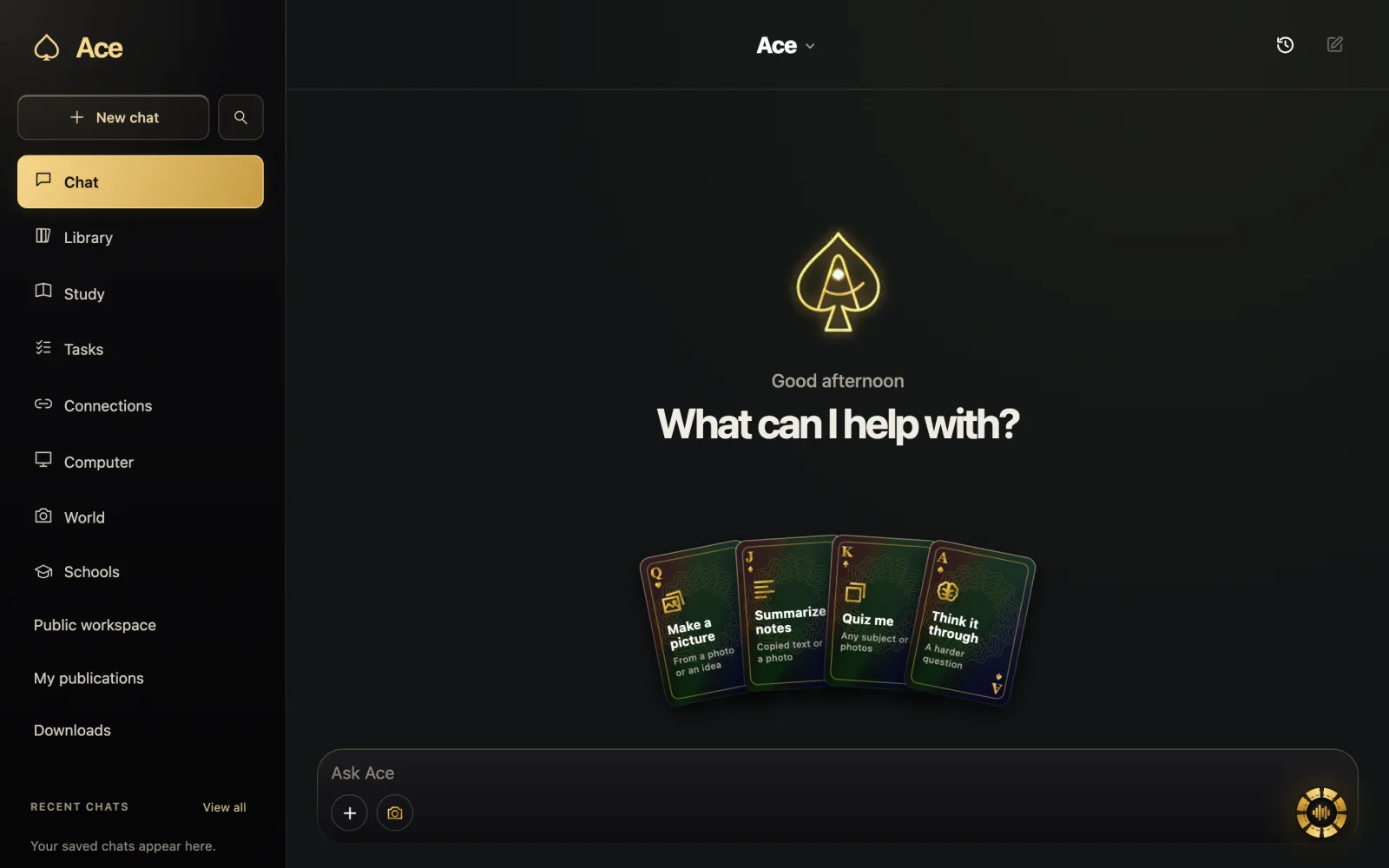
No. Ace is a working assistant on your computer and phone: it explains, drafts and keeps notes, and answers out loud in its own voice.
How do I talk to AI like a person when my idea is only half-formed?
Say the half-formed version and shape it in small steps. You do not need a perfect prompt. Open with “I have a messy idea for a weekend trip, help me shape it,” then steer with “Now give me the plan as three short points.” Short follow-ups work because the assistant keeps the last answer in view.
Can I interrupt an AI while it is still talking?
Yes. Current voice modes let you interrupt mid-answer and keep the context between turns. Claude’s guide says to start speaking if it is going in the wrong direction, and it will stop and listen. Google describes Gemini Live the same way, with interruptions and changes of subject at any time.
How do I get an AI to switch languages in the middle of a conversation?
Ask for it out loud. Set the language once with “Answer in French from now on,” or ask for a quick translation as a follow-up: “Now say that in Spanish.” Ace takes follow-ups like “in Spanish” and reworks its last answer without starting over. Expect uneven quality from language to language.
How do I tell a voice AI what tone to use with me?
Tell it how to talk to you, the way you would brief a colleague: “Explain it like a patient tutor,” “Be blunt,” or “Two sentences, no lists.” Some assistants turn this into settings. Amazon offers four personality styles for Alexa+: Brief, Chill, Sweet and Sassy.
What habits make a voice conversation with AI sound robotic?
Talking in keywords, as if typing a search, is one: full sentences give it more to work with. Packing three questions into one turn is another, since it will answer one well and two badly. Repeating the whole question after a bad answer, instead of saying what was wrong with it, is a third.
What short phrases can I say out loud to steer an AI’s answer?
Short spoken phrases work well. Try “Give me one concrete example,” “Stop. Go back to your second point,” or “What would you ask me next?” Follow-ups such as “shorter”, “why?” or “now in Spanish” do the same job in a word or two.
What makes a voice conversation with AI feel natural?
A short gap between your last word and its first, the chance to cut in when the answer goes the wrong way, and context that carries across turns, so “the second one” makes sense. Moving between talking and typing in the same thread, which Gemini and Claude both support, helps too.
More questions
Deal yourself in.
More about Ace
Sources
- Siri AI is available in more languages starting today - Apple, Apple Newsroom. Checked November 14, 2026.
- Alexa+ can match your mood: Brief, chill or sweet, Amazon. Checked November 14, 2026.
- Use voice mode | Claude Help Center, Anthropic. Checked November 14, 2026.