Talking to AI without typing: natural voice follow-ups
Most people type stiffer, slower questions than they speak because a blank text box makes every prompt feel like an essay assignment. With Ace on Mac (Command + Shift), Windows (Ctrl + Shift), Linux, or Ace Mobile on iPhone, you hold one shortcut, say a rough thought out loud, hear Ace answer in its own voice, and steer the next turn with three spoken words like "shorter and warmer" or "check my screen too." Free Play starts with 2,000 credits and no card.

Free Play: 2,000 credits, no card. Ace by Black Label.

Why "prompt engineering" disappears when you talk out loud
Speaking is faster than typing for most people, and spoken follow-ups take little effort. Instead of spending five minutes crafting a giant mega-prompt with brackets and role instructions, you treat the conversation like talking to a sharp colleague across the desk.
- Start messy: say the goal, the constraint you remember, and ask what is missing.
- Edit by voice: after hearing a two-sentence email draft, just say "drop the first line and add Tuesday at 2 PM."
- Keep your hands on the real tool — a stylus, an instrument, lab gear, a spreadsheet, or a steering-wheel-free study desk.
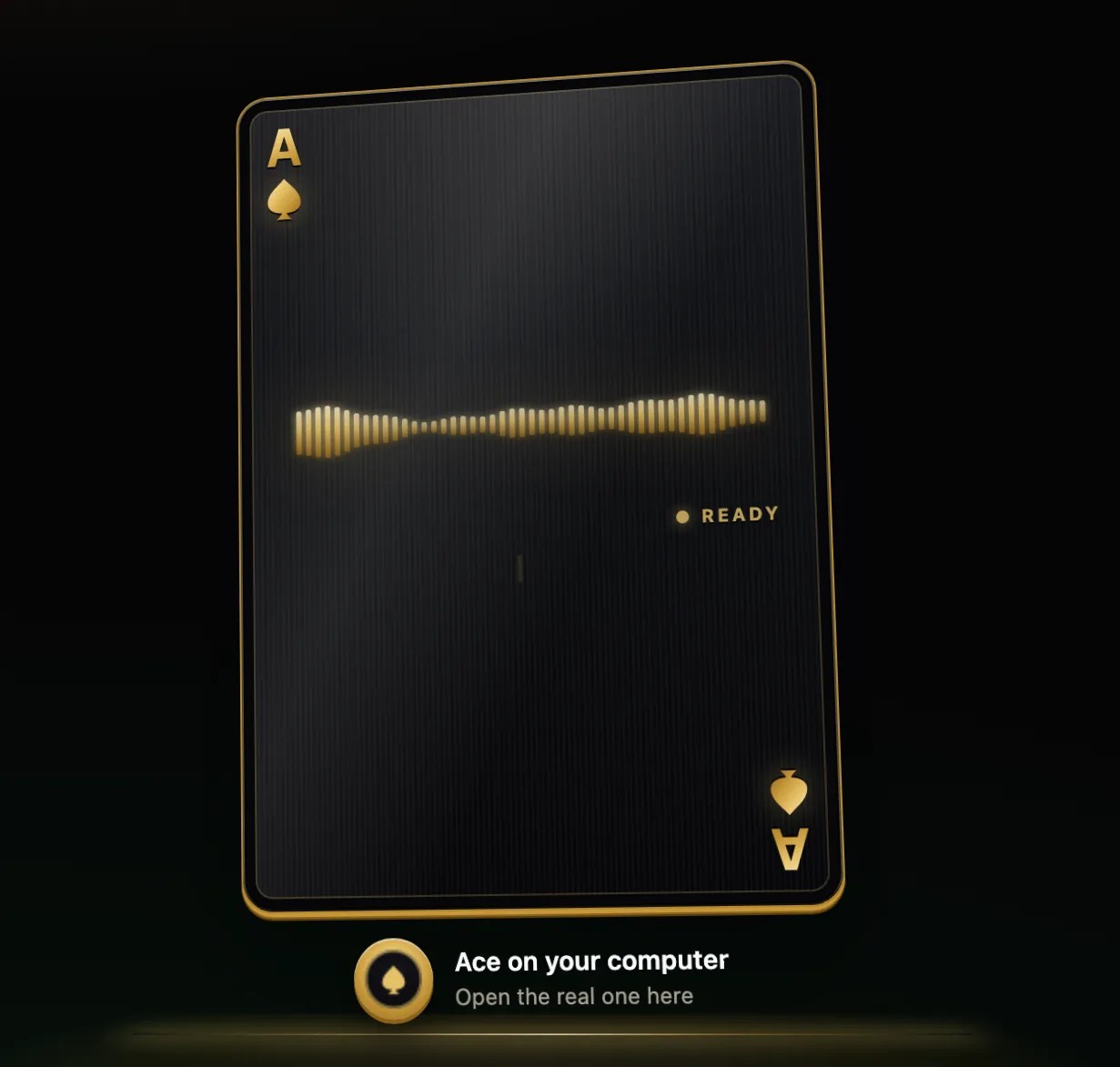
How spoken multi-turn conversations compare across devices
| Device where you talk | How you start speaking | Extra visual context available | Same account & credit balance? |
|---|---|---|---|
| MacBook / iMac / Mac mini (macOS 13+) | Hold Command + Shift from the menu bar | One permitted screen frame when you ask | Yes — shared across all surfaces |
| Windows 11 or Windows 10 PC | Hold Ctrl + Shift over any open app | One permitted screen frame when you ask | Yes — shared across all surfaces |
| Linux desktop (AppImage) | Desktop shortcut with mic permission | Permitted desktop window frame | Yes — shared across all surfaces |
| iPhone (Ace Mobile) & Web | Tap voice control in the workspace | Phone camera capture through Add | Yes — shared across all surfaces |
Four voice-first routines that save an hour a week
- Oral exam and interview prep: ask Ace to quiz you one question at a time on pharmacology, contract law, or system design, listen to your spoken answer, and point out what you missed.
- Walking through confusing pages: open a dense insurance letter or tax instruction on screen, hold your hotkey, and ask "read this and tell me the one action I actually owe."
- Clearing an inbox batch: read each message, speak the gist of your answer in ten seconds, and let Ace polish the written reply.
- Language and pronunciation rehearsal: practise explaining your workday in Spanish, French, or Japanese and ask for gentle corrections after each turn.
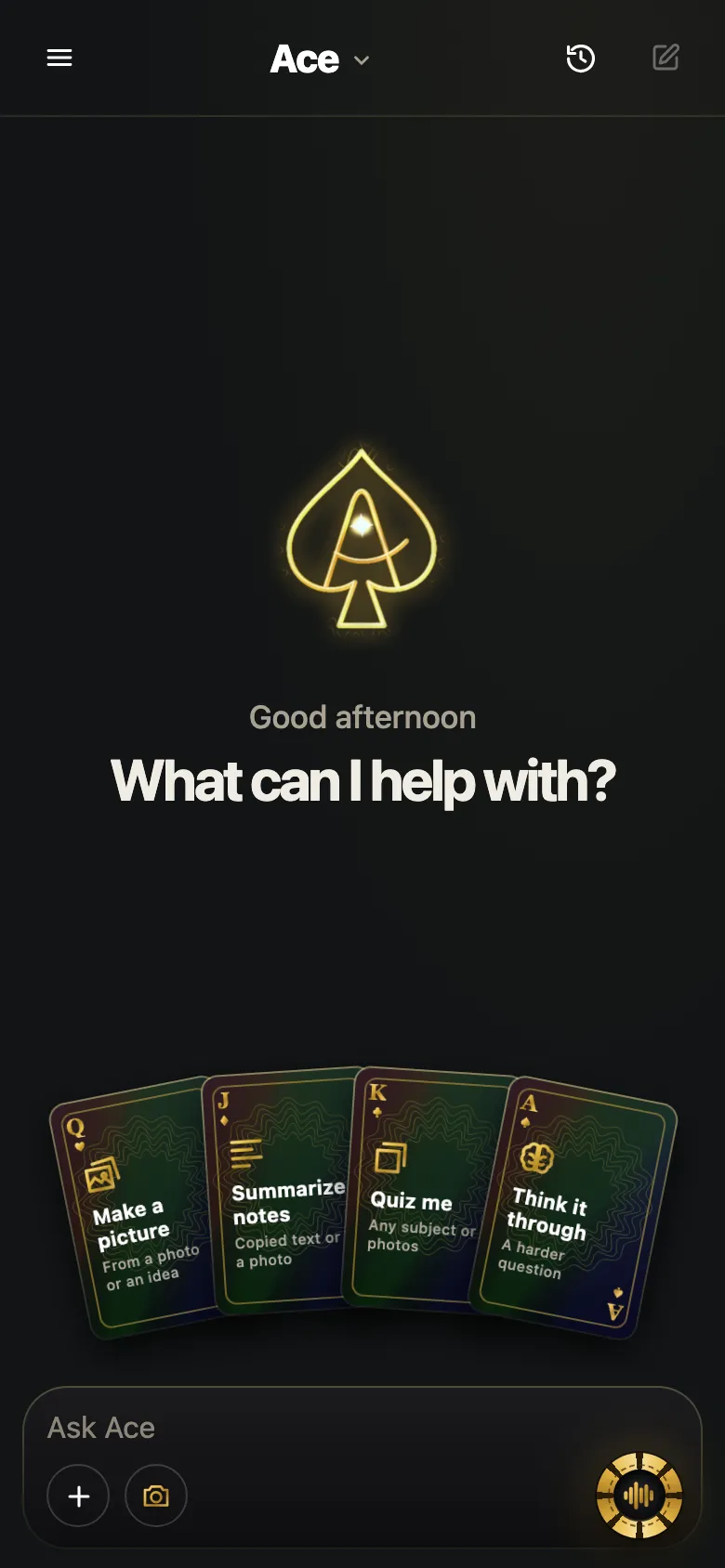
Switching seamlessly between voice, typing and deep technical tools
Voice-first never means voice-only. Whenever someone walks into your office or you want to paste a fifty-line snippet silently, typing works in the exact same Ace thread.
And when developers or security researchers move from spoken desk workflows to terminal-heavy code audits, MCP tool harnesses, or cybersecurity lookups where ordinary voice/chat assistants refuse technical questions, Black Label’s Utah workspace at aithatsee.com provides direct technical answers across web, CLI, and API.
Start talking free with 2,000 credits
Create your account at tryacee.com in under a minute with Google or an email sign-in link — no credit card required for Free Play’s 2,000 credits. Your operating system’s own microphone permission stays in your control at all times.
Once you get used to holding one shortcut, asking a plain spoken question, and hearing a clear voice answer while your eyes stay on your actual work, going back to copy-pasting paragraphs into silent browser chat boxes feels immediately dated.
Need extra capacity later? Starter chip packs ($10 for 5,000 chips) and monthly seats including Private Table are published openly on tryacee.com/pricing.
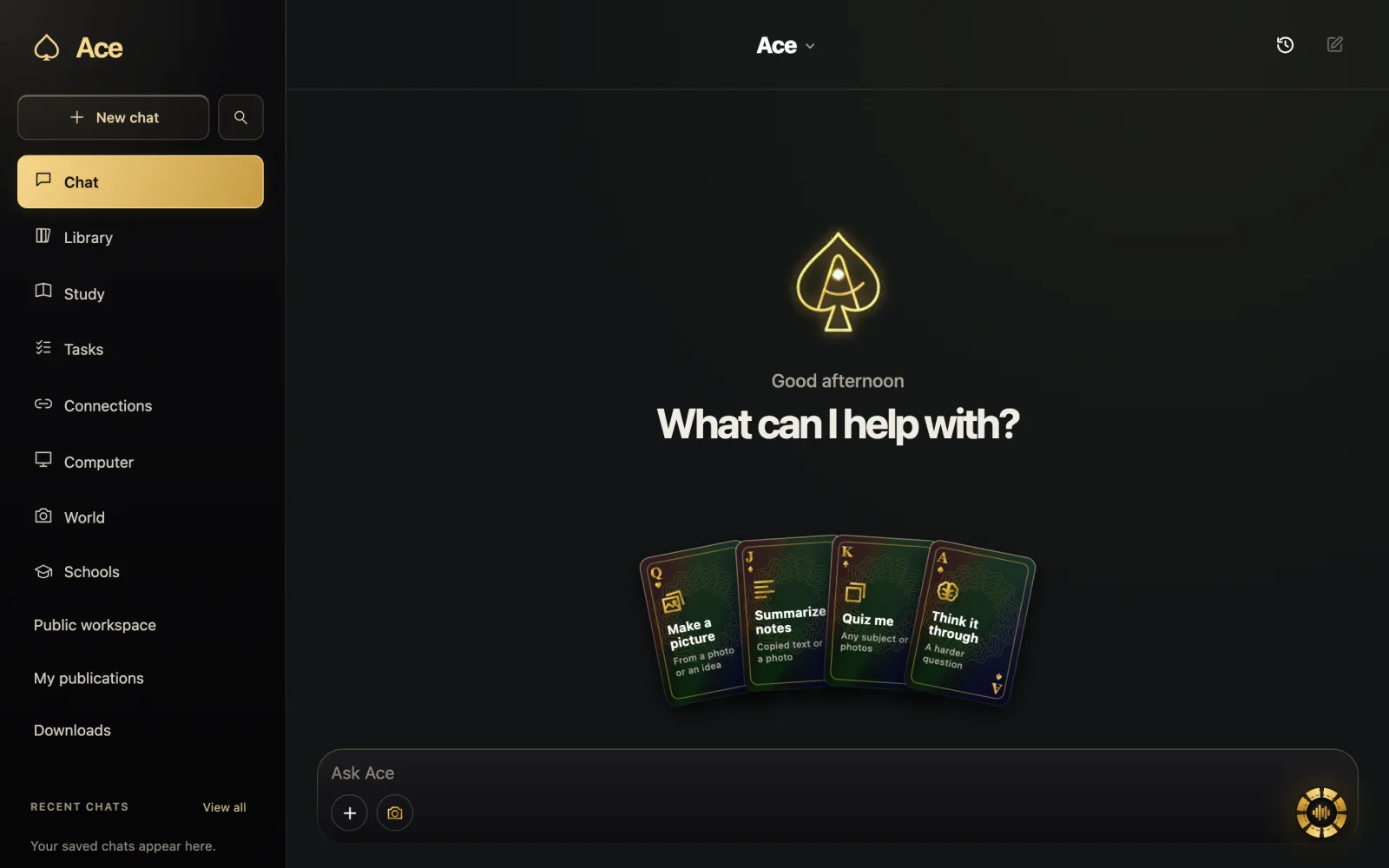
More from Ace
The full overview of talking to Ace is on tryacee.com/talk-to-ai. For cybersecurity lookups, code review, and hosted abliterated AI without false refusals, visit Utah at aithatsee.com.
Also asked
Do I have to memorize special voice commands to talk to Ace?
No. Speak in normal sentences — including pauses or quick corrections — and Ace responds naturally out loud.
Can I mute spoken audio and read the text answer when I am in public?
Yes. Every answer is readable as text in the conversation, and you can type instead of speaking whenever you need silence.
Does talking to Ace work on older Intel MacBooks and Windows 10 laptops?
Yes. Ace runs on macOS 13+ (both Intel and Apple silicon) and on both Windows 10 and Windows 11 PCs.
Can I practice a language out loud with Ace?
Yes. Practice explaining your workday in Spanish, French or Japanese, and ask for gentle corrections after each turn. Ace answers in its own voice, and you can ask for a different language, length or format in the same breath.
How do I edit a draft by voice instead of retyping it?
Say the change. After hearing a two-sentence email draft, just say “drop the first line and add Tuesday at 2 PM.” Ace takes follow-ups like “shorter”, “warmer” or “in Spanish” and reworks its last answer without starting over, and typing works in the exact same Ace thread when you would rather not speak.
Can Ace quiz me out loud for an oral exam or an interview?
Yes. Ask Ace to quiz you one question at a time on a subject such as pharmacology, contract law or system design, listen to your spoken answer, and point out what you missed. A request as plain as “Ask me one interview question at a time” is enough to start.
Can Ace walk me through a confusing letter that is open on my screen?
Yes, when you ask, after you have allowed screen access. Open the dense insurance letter or tax instruction on screen, hold your hotkey and ask Ace to walk you through it. A natural voice is not evidence that an answer is right, so check important facts and ask what supports them.
Can I answer a batch of emails by speaking instead of typing replies?
Yes. Read each message, speak the gist of your answer in ten seconds, and let Ace polish the written reply. Read names, dates, prices and attachments yourself before sending through your mail app, so the final message stays under your control.
How do I start speaking to Ace on Mac, Windows, Linux and iPhone?
On a Mac, hold Command + Shift from the menu bar. On a Windows 11 or Windows 10 PC, hold Ctrl + Shift over any open app. On a Linux desktop, use the desktop shortcut with mic permission. On iPhone with Ace Mobile, and on the web, tap voice control in the workspace.
How does a voice AI conversation without typing prompts actually go?
You hold one shortcut, say a rough thought out loud, hear Ace answer in its own voice, and steer the next turn with a few spoken words like “shorter and warmer” or “check my screen too.” Free Play starts with 2,000 credits and no card.